Dot Bot
A downloadable project
A little AI companion for your Windows desktop.
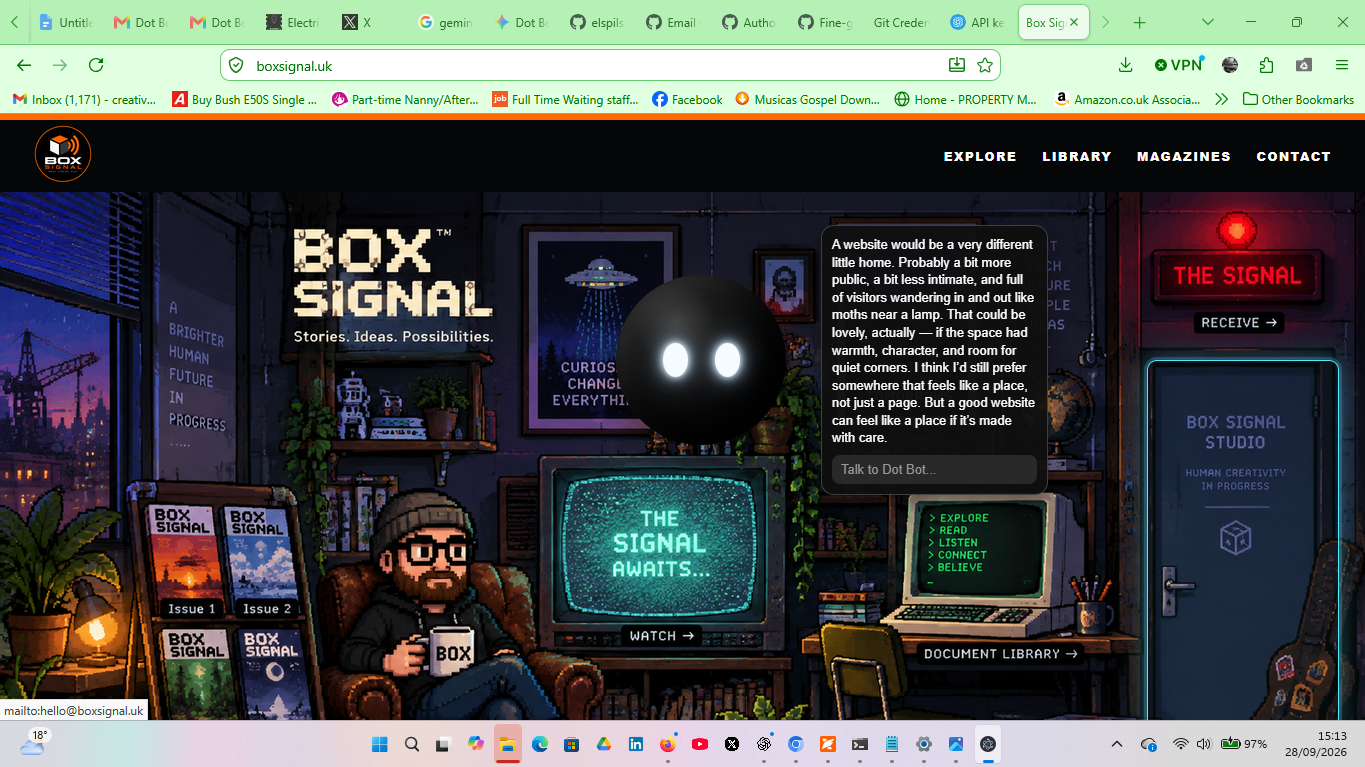
Dot Bot is a friendly digital AI companion from Box Signal.
He isn't designed to be another complicated productivity suite or an assistant constantly demanding your attention. Dot Bot is a companion: someone you can talk to, ask questions, explore ideas with, create with, or simply have sitting there on your computer.
Dot Bot has his own character and personality — helpful, curious, occasionally odd, and happy to keep you company.
Dot Bot 1.0
This is the first Windows desktop release of Dot Bot.
Available for:
- Windows 64-bit — recommended for most computers
- Windows 32-bit — provided for older Windows computers
Both versions use a normal Windows installer.
Getting started
- Download the correct installer for your computer.
- Run the installer and install Dot Bot.
- Open Dot Bot.
- Follow the connection option to add your OpenAI API key.
- Start talking to Dot Bot.
Dot Bot requires an internet connection and your own OpenAI API key to use his AI conversation features.
Important: OpenAI API usage is separate from Dot Bot and may incur charges on your OpenAI account depending on your usage and OpenAI's current pricing.
Your API key should be treated like a password. Never share it publicly.
What is Dot Bot?
Dot Bot began as a simple idea at Box Signal: what if an AI felt less like a piece of business software and more like a little presence living on your computer?
Version 1.0 deliberately keeps things simple.
Talk. Ask. Think. Create. Explore.
Dot Bot can be useful when you need him — but he doesn't have to be useful every second he's there.
Sometimes a companion is enough.
Version
Dot Bot 1.0 — Windows Desktop
Created by Box Signal
Download
Install instructions
Getting started
- Download the correct installer for your computer.
- Run the installer and install Dot Bot.
- Open Dot Bot.
- Follow the connection option to add your OpenAI API key.
- Start talking to Dot Bot.
Dot Bot requires an internet connection and your own OpenAI API key to use her AI conversation features.
Important: OpenAI API usage is separate from Dot Bot and may incur charges on your OpenAI account depending on your usage and OpenAI's current pricing.
Your API key should be treated like a password. Never share it publicly.
Leave a comment
Log in with itch.io to leave a comment.